

Every alert as a video clip
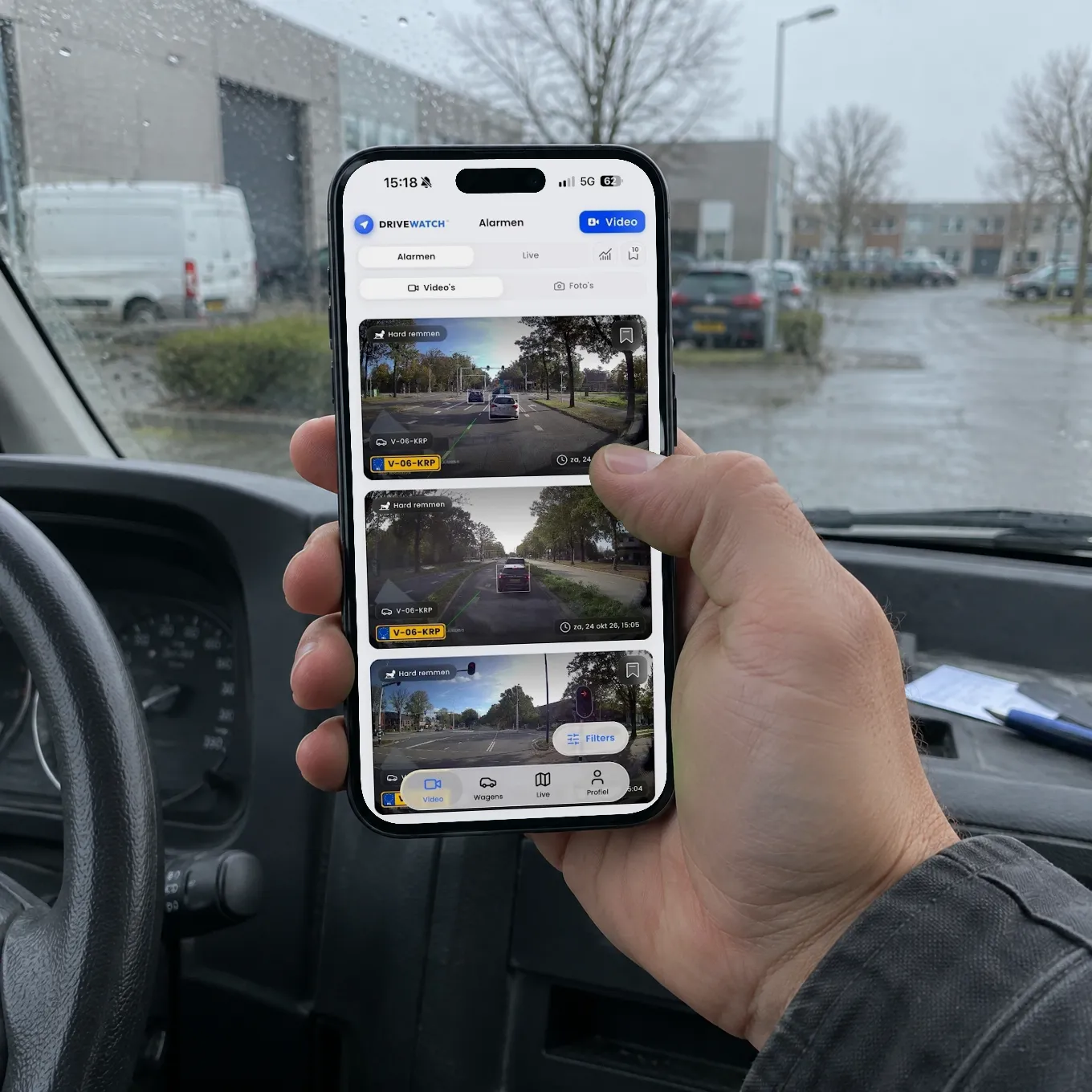
With every alert the clip is ready straight away, with your vehicle's licence plate and the time.
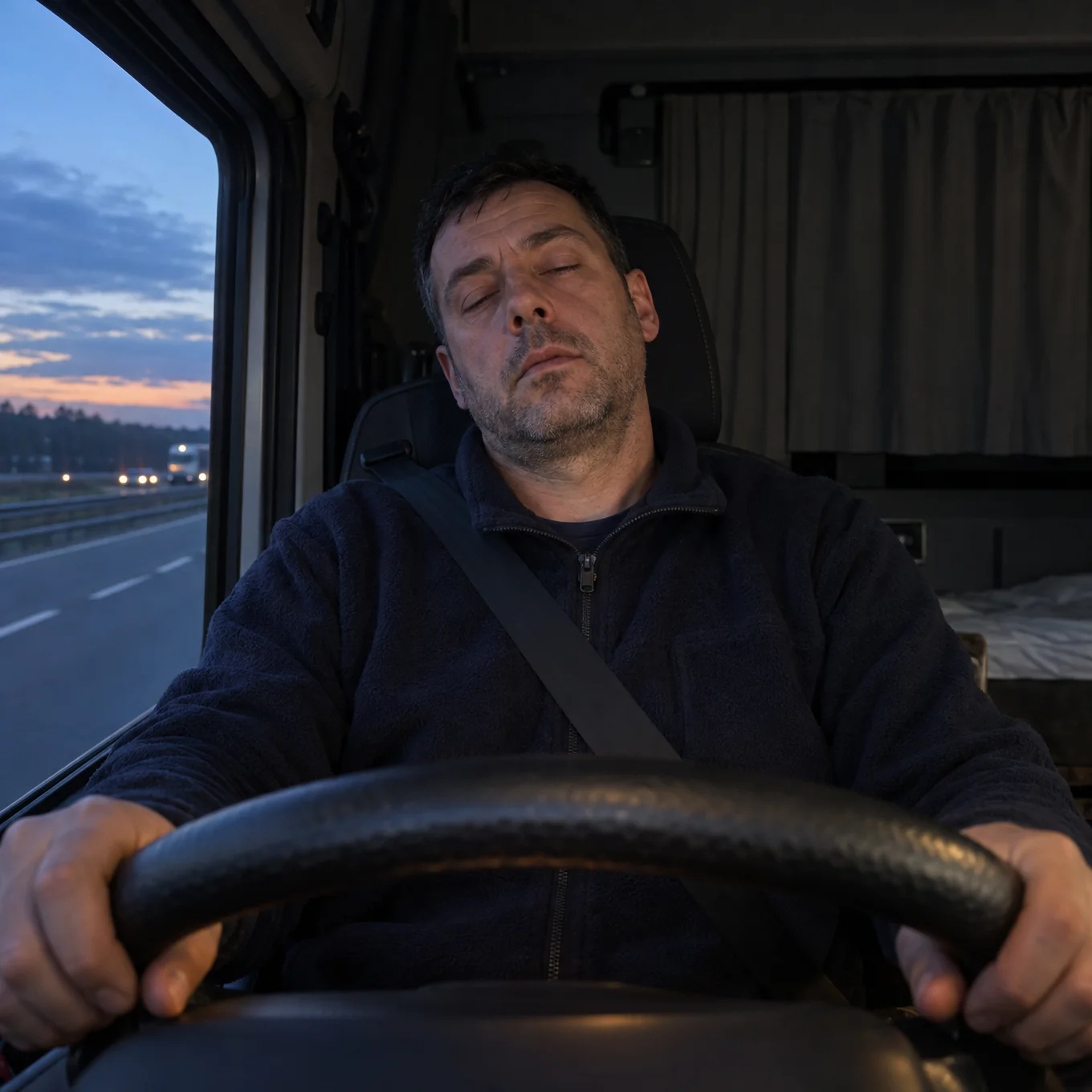
The AI recognises dangerous moments and has them ready as a video clip. You follow your vehicles live, replay every trip and control them remotely. On your computer and in the app.


 Network partner
01 · AI alerts
No need to scrub through hours of footage. Everything that matters is ready for you.
With every alert the clip is ready straight away, with your vehicle's licence plate and the time.
For every alert you see how severe it was, the exact time, which camera recorded it and where it happened on the map.
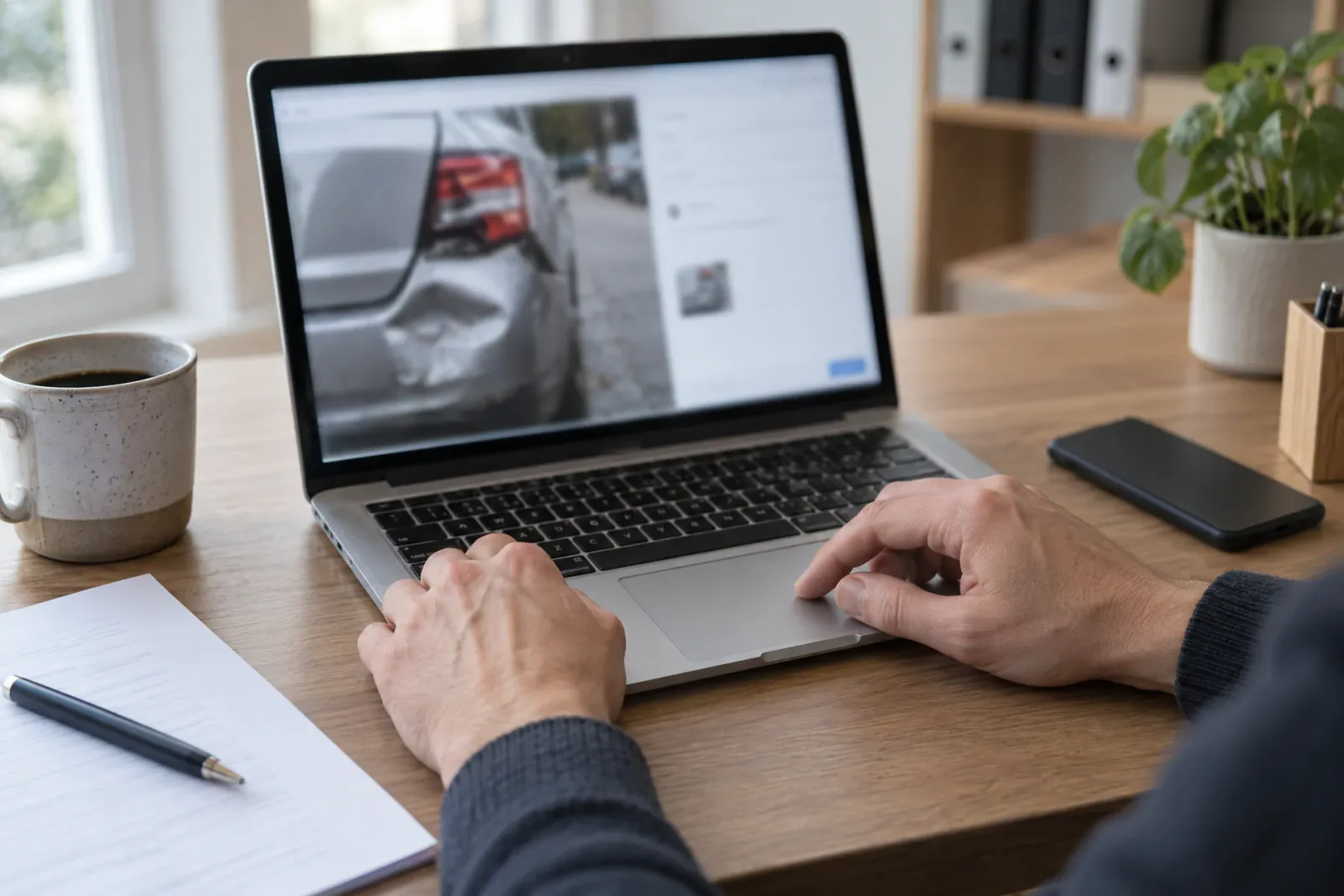
Download a clip in one click and send it to your insurer, the police or a driver.
Keep important clips separately, so you can find them quickly later.
A built-in sensor registers bumps and collisions.
Did something happen without an alert? Request footage from any vehicle yourself, as long as it is still on the memory card in the camera.
See per vehicle how often there was hard braking, hard acceleration, speeding or sharp steering.
10 alert types
The AI watches the whole trip and recognises 10 types of danger. Every alert becomes a video clip you can replay straight away.
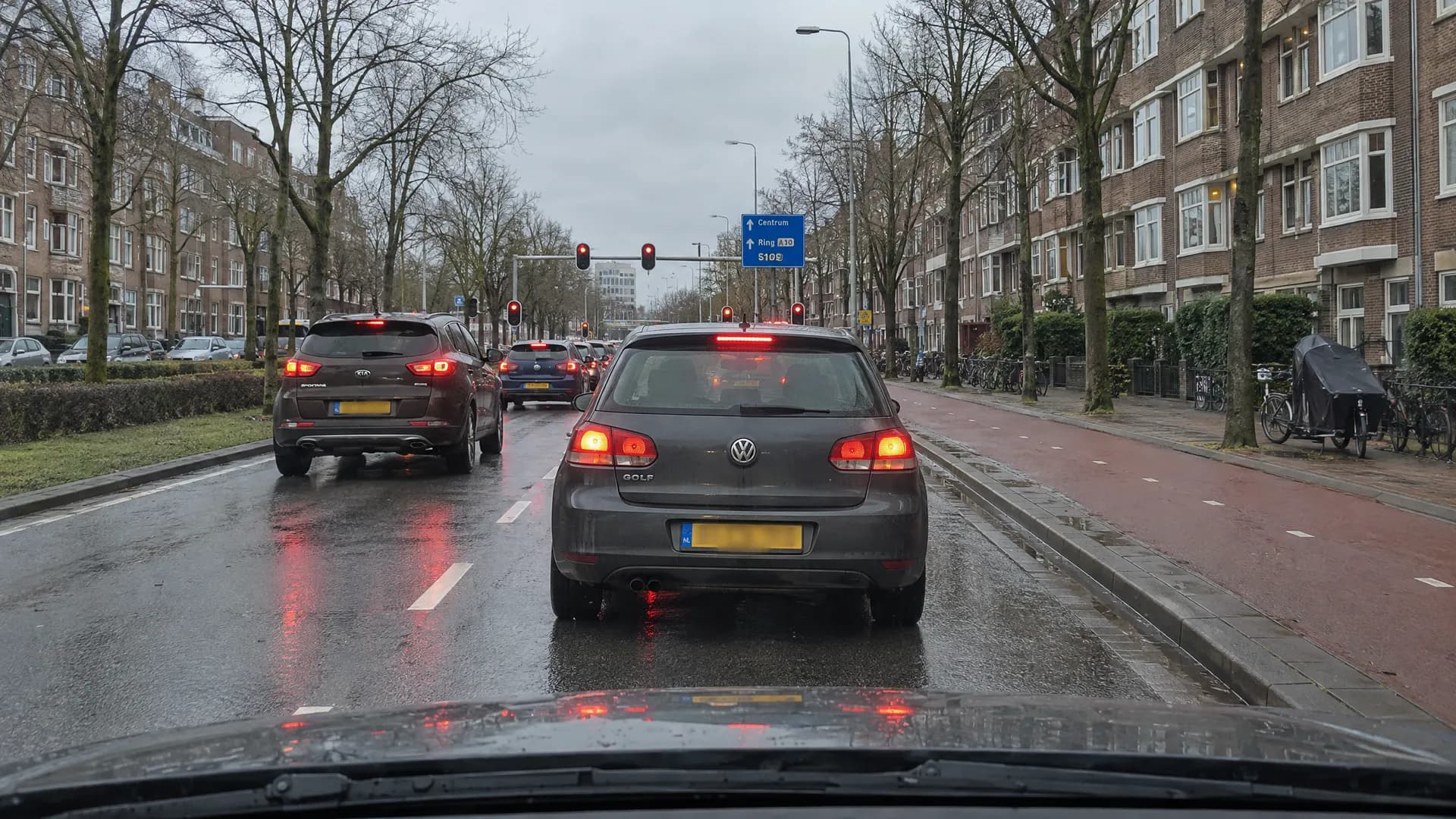
How the vehicle is driven.
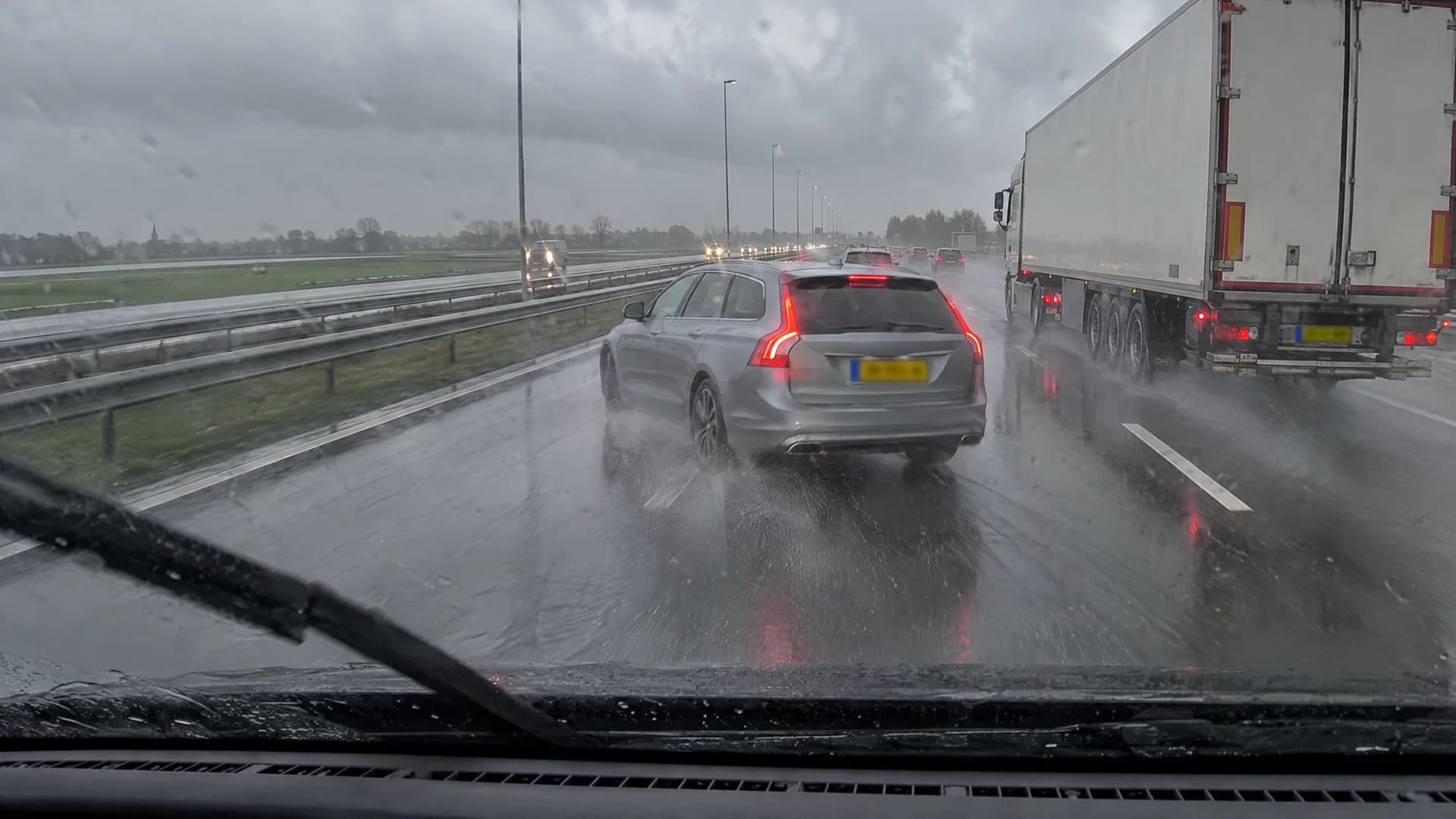
Seen by the camera on the outside.
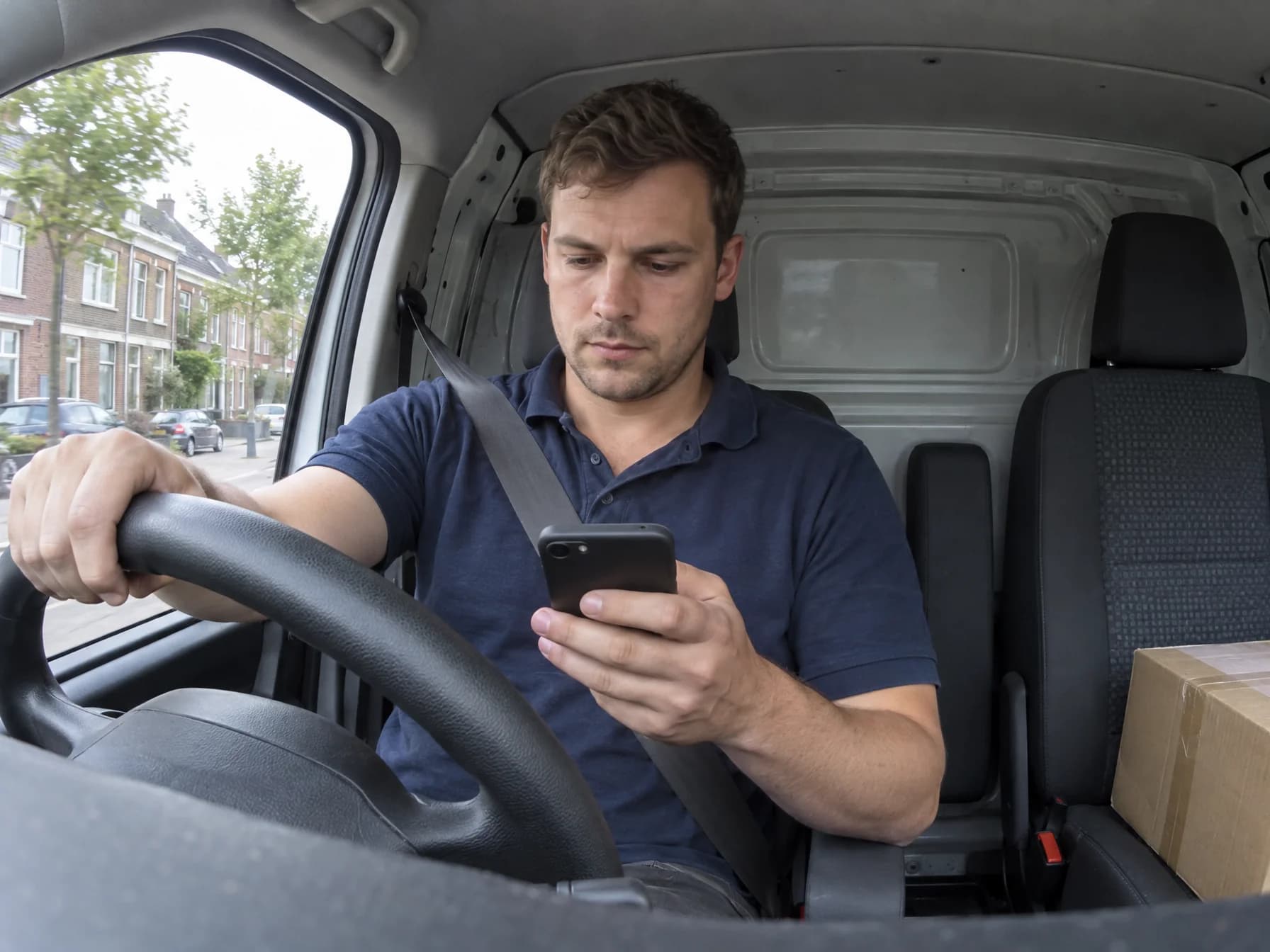
Seen by the camera facing the driver.
02 · Watch live
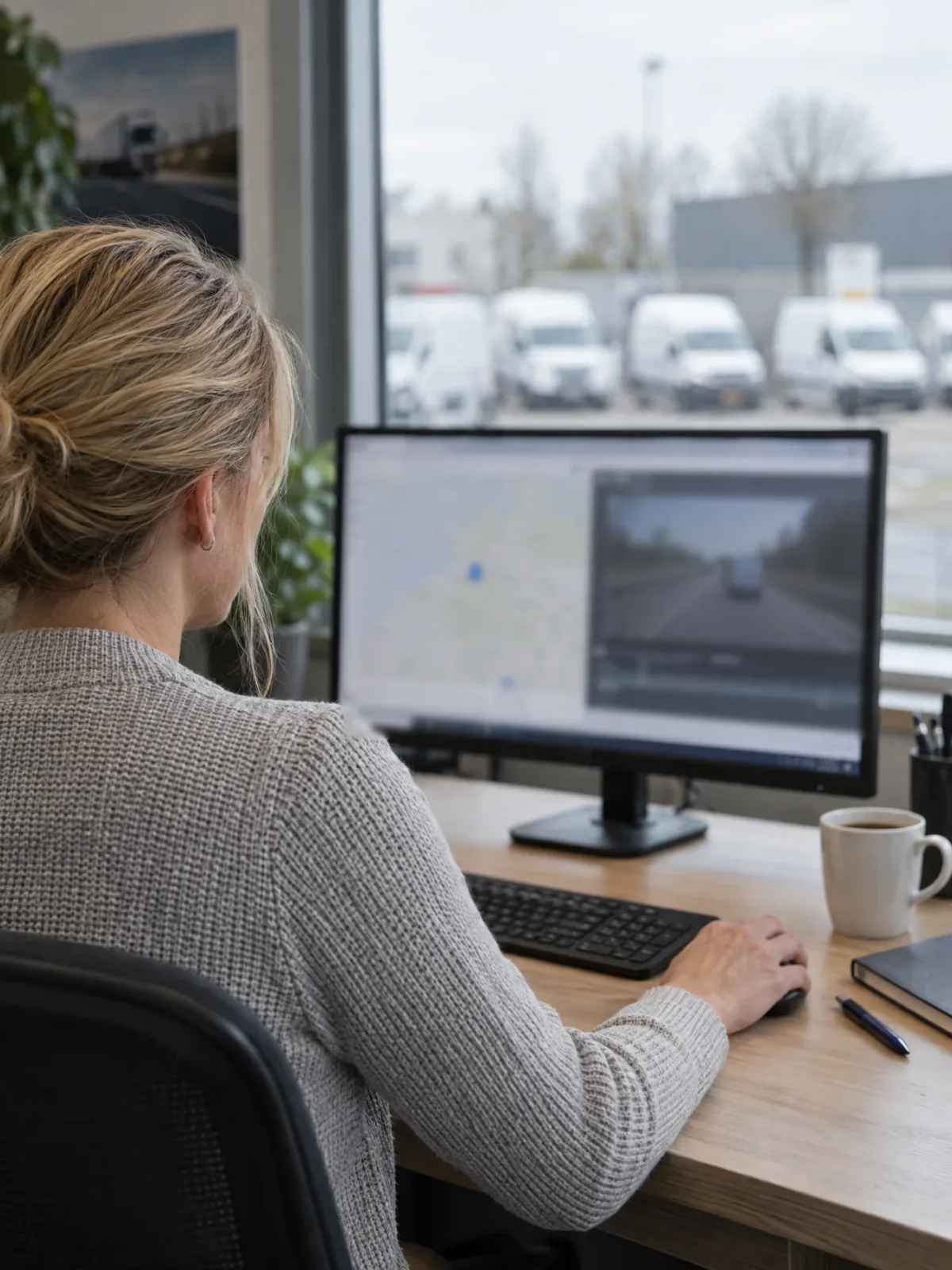
See at any moment where your vehicles are and what is happening.
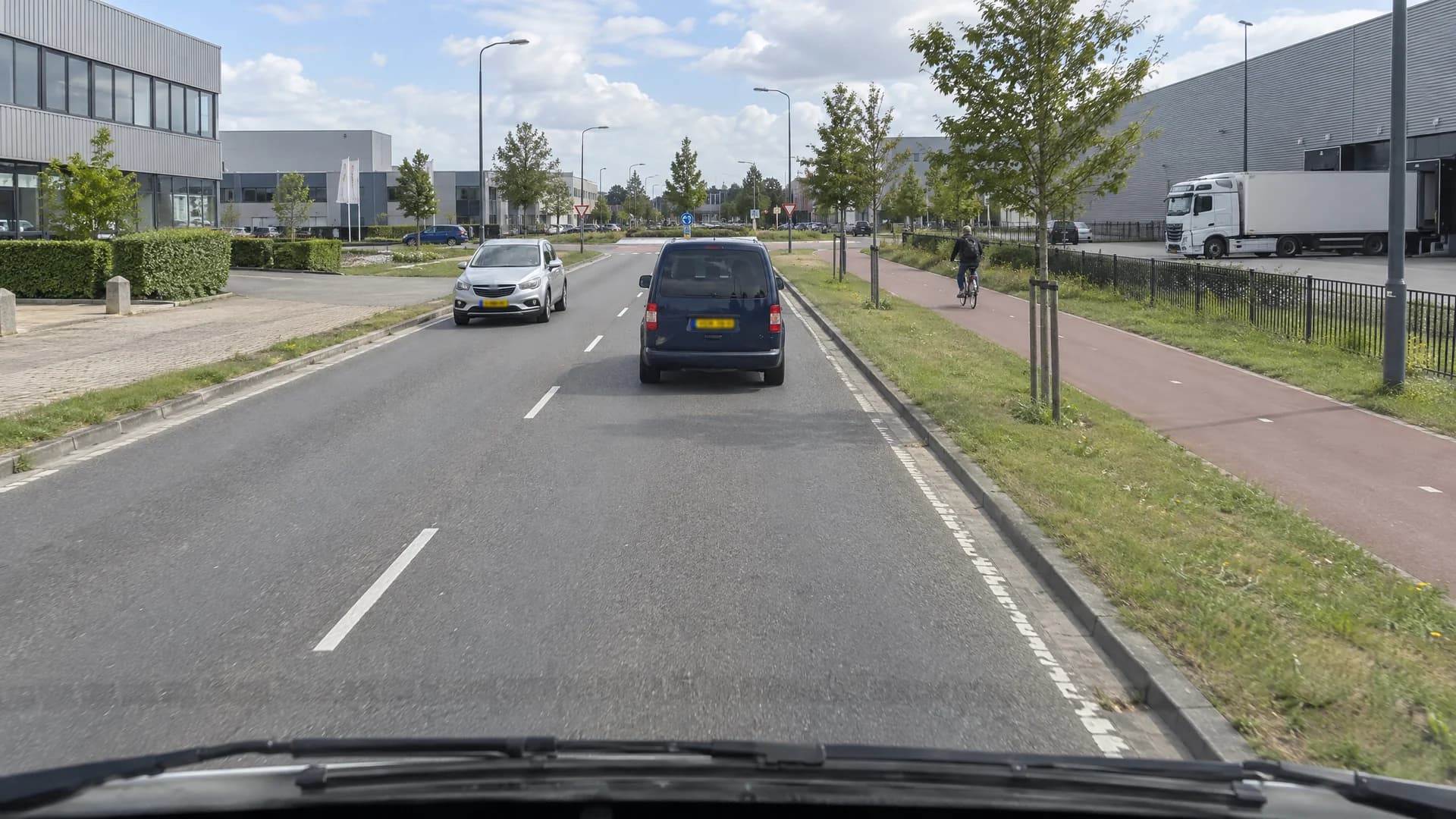
03 · Trips
A complete picture of how your vehicles are used, without anyone having to keep track.
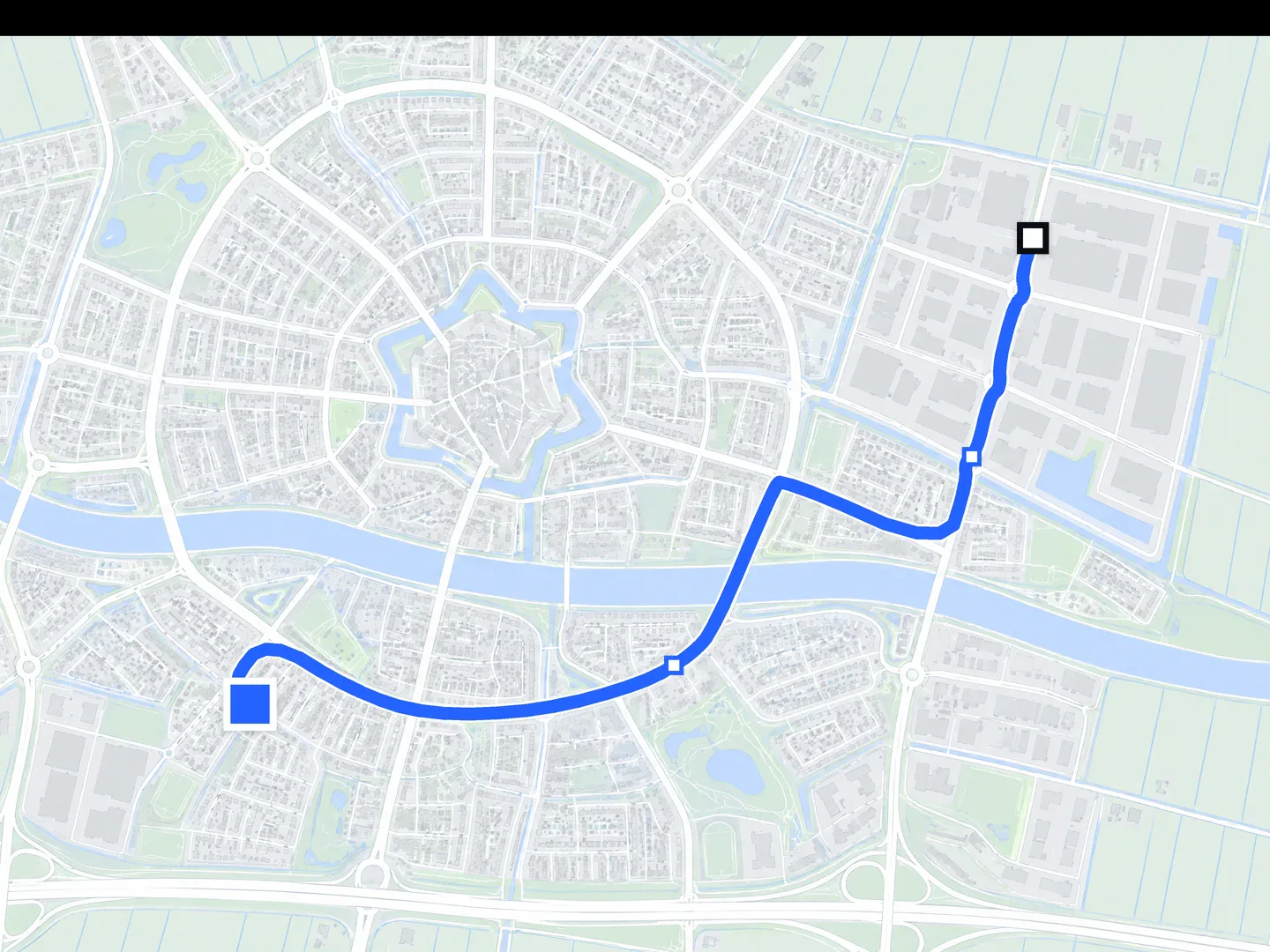
For every trip: departure and arrival address, kilometres and travel time. With the route on the map.
See in one overview which vehicle is driving, parked, idling or offline. Search by name or licence plate.
Is a vehicle standing still with the engine running? That costs fuel. You see it straight away, and for how long.
Total distance, driving time and average speed per day, compared with before.
A timeline per day shows which hours a vehicle is in use.
Download a trip report as a PDF, for your records or to share.
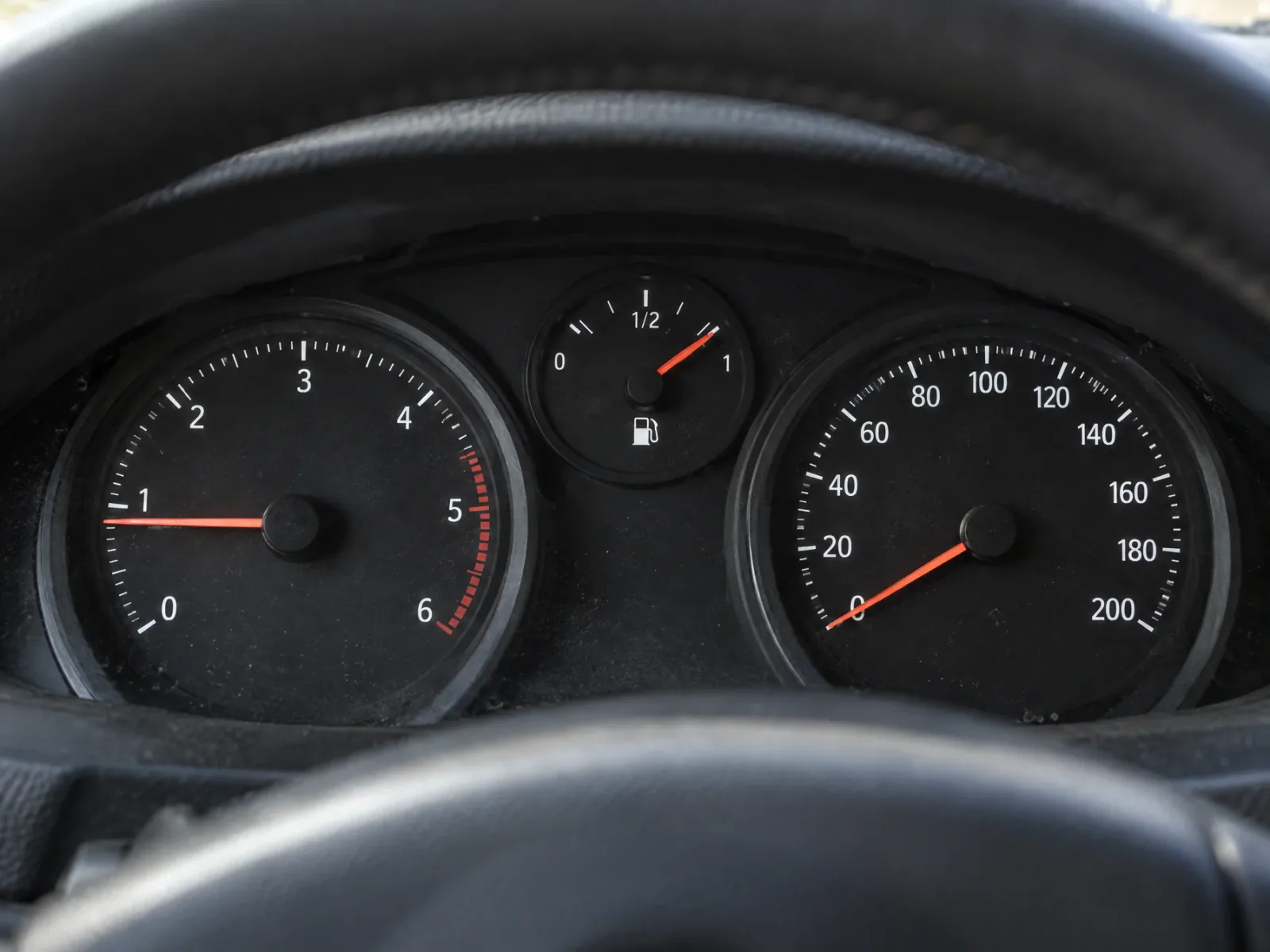
See each vehicle's speed and fuel level, next to its status, on one screen.
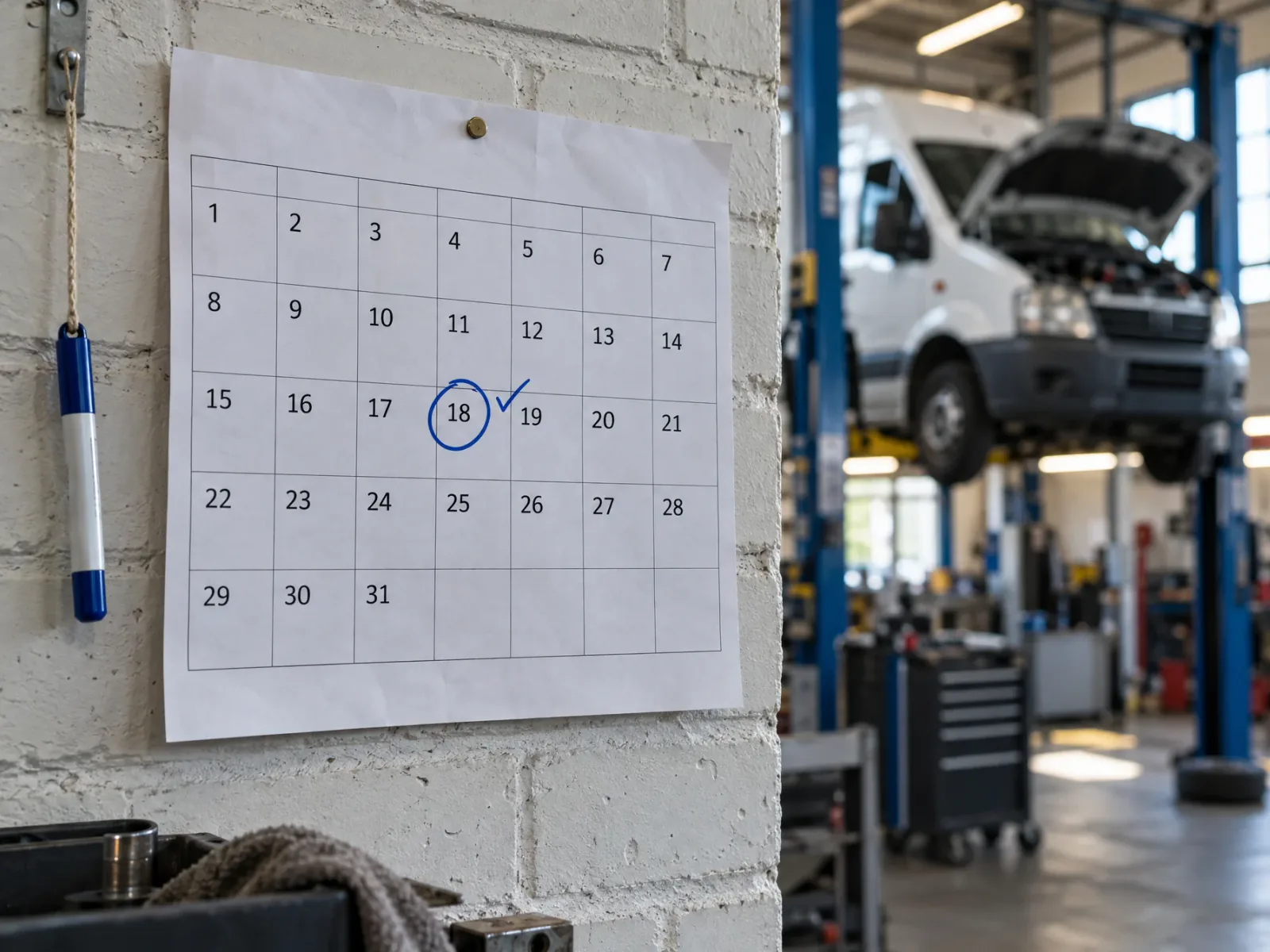
See per vehicle when the next MOT is due, so you never miss it.
04 · Zones
Set what is normal, get a message when something deviates, and step in from wherever you are.
Get an alert in the app as soon as a vehicle enters or leaves a zone.
Draw a zone on the map, as a circle or in any shape you like, for example around your depot or a building site.
Choose per zone which vehicles it applies to, and switch it on or off whenever you want.
All of a vehicle's alerts and events in one place, in order of time.
Need extra accounts for colleagues or planners? Call us and we will set them up for you.
Switch a vehicle on or off remotely, and turn the alarm on or off. From your computer, wherever you are.
Works with the immobiliser.
Try it: click a switch.
05 · Trust
All footage and data is encrypted with 256-bit AES. That is the same standard banks use.
Camera, AI and software come from our own team. One point of contact for everything.
Drivewatch is part of BMH Software Group. We have been building road safety since 2017.
The software gains new features regularly.
06 · Custom builds
Tell us what you need. We build it, usually within 2–6 weeks.
See custom buildsNo. The AI recognises 10 types of danger and has every moment ready as a video clip. You only open what matters.
Yes. You see every vehicle live on the map and can watch the cameras live.
Yes, for Android and iPhone. Everything also works on your computer.
As long as the footage is still on the memory card in the camera. The camera keeps as much as fits on the card.
Yes. You download a clip in one click and forward it.
Call us and we will create the extra accounts for you.
Yes. See our page about custom builds.
See custom buildsAll footage and data is encrypted with 256-bit AES.


