
LANGUAGE
Configure your fleet
DRIVEWATCH®
LANGUAGE
Configure your fleet
DRIVEWATCH®
Configure
Contact
Language
SECTOR · CONSTRUCTION & INFRA
SECTOREN / CN

Built for the site,the machines and the kit.

Protect not just the vehicle, but the tools inside it. Anti-theft, geofencing and 24/7 asset tracking — tuned for a sector where equipment sits unguarded overnight.

Protection firstWorks on siteFits machines
CONSTRUCTION · LIVE
PROJECT · A12 JUNCTION
ASSETonlineGEOFENCEactive
24/7EQUIPMENTtracked live
RISKS · IN YOUR SECTOR

What goes wrongon the site.

On site, the most expensive equipment stands idle longest — and unguarded exactly then. These are the moments Drivewatch is built for.

THEFT

A van emptied, a mini-digger gone.

Equipment disappears from the site overnight. Before the morning crew arrives, the trailer is no longer there.

SOLVED WITHImmobiliser + anti-theft
EQUIPMENT

Where's the excavator this weekend?

Five projects, thirty machines. Nobody's quite sure which asset sits on which site — until it's missed.

SOLVED WITHGPS & asset tracking
DAMAGE

Damage on site, no one saw it.

A crane clips a van on the yard. No witness, no footage — and the bill lands on you.

SOLVED WITHCamera + cloud storage
GEOFENCE

The vehicle leaves the site after hours.

A van drives off in the evening, off-schedule. You notice only when the kilometres — or the vehicle — are gone.

SOLVED WITHGeofencing + alerts
WHAT YOU DEPLOY

Four layersof protection.

No interactive maze — just the four capabilities that matter most on site, explained clearly.

NO START
RELAY ⤬ BLOCKED
ALERT · 0,9s
IMMOBILISER · ACTIVE
ANTI-THEFT01

An immobiliser that stays awake at night.

  • The vehicle won't start without your go-ahead — relay attacks dead-end.
  • Attempt to drive off? Instant alert with location to your phone.
  • Evidence goes to the cloud over 4G, even if the unit is ripped out.
To Anti-theft
3 ASSETS · INSIDE
1 ⚑ LEAVING ZONE
GEOFENCE · SITE BOUNDARY
GEOFENCING02

A digital boundary around every project.

  • Draw a site boundary; the system guards it, day and night.
  • If a vehicle leaves the zone after hours, you know immediately.
  • A dedicated zone per project — site, depot or rental location.
To Geofencing
30 VEHICLES
52.063 N · 5.221 E
GPS · LIVE ON THE MAP
GPS & ASSET TRACKING03

Every asset, live on the map.

  • See at a glance which vehicle is on which site.
  • Works on vans, trucks, pickups and trailers alike.
  • Trip logs and engine hours — automatic, exportable.
To GPS tracking
REC · FULL HD
G-SENSOR · ON
CAMERA · ROAD + CARGO
CAMERA ON SITE04

Proof of what happens on the yard.

  • Forward road camera, plus optional view of the load area.
  • G-sensor wakes the camera on impact — even while parked.
  • Clips with timestamp and location, ready for the insurer.
To Cameras
CONFIGURATOR · WITH PRICING

Build your cameraunit.

Preset for construction. Pick a unit and add-ons, see the from-price per vehicle and carry your build into the quote.
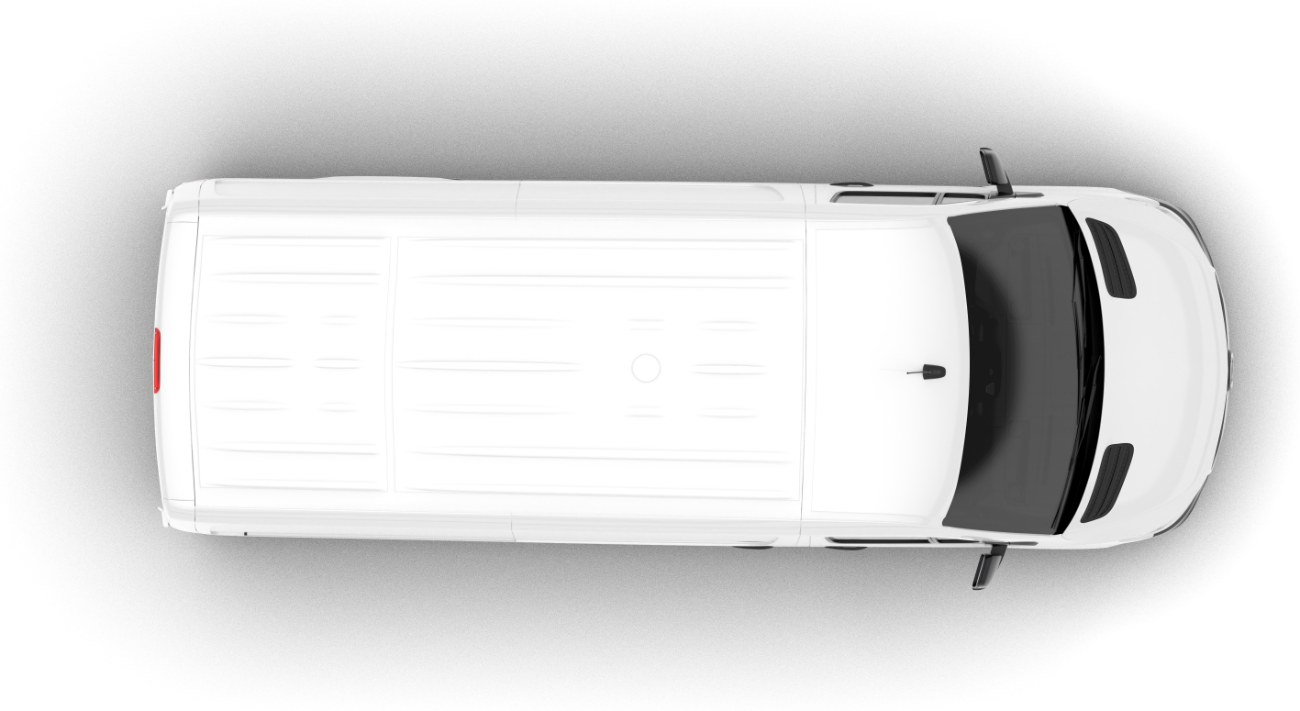
Your fleet
Bestelwagens
Voor · Basis
Cabine · DMS
Zijcamera’s
Laadruimtecamera
Achtercamera
Startonderbreker
Tap a mount point or a card — they work together.
Camera-unit
Extra’s
Fleet size
Per vehicle · fromDW-T2 · 36 mo
€40p/mnd+ €304 install
Fleet-wide rollout & install included
Indicative from-prices per vehicle. Your selection carries to the configurator.
PROOF · AGGREGATED

Not loose claims,hard numbers.

No named case for construction yet — so we show aggregated results across all fleets, plus a verified review from the sector.

AGGREGATED · ROLLING 12 MO

Results across all fleets

−47%
DAMAGE
fewer damage claims
−7.3%
FUEL
lower consumption
6/6
THEFT
attempts blocked
12 wk
MEDIAN
to first result

No assumptions — measured difference between the baseline at install and the twelve months after, across all active Drivewatch fleets.

VERIFIED REVIEW · YOUR SECTOR

Collision on the A12 — the footage showed exactly what happened. Claim settled in my favour within a day. Worth every euro.

JV
Joost van der Berg
Verified Google review
4.983 reviews
ISO 27001 certifiedKPN partner
THE PLATFORM

Your equipment,live on the map.

Asset tracking, geofence boundaries and theft alerts — for the manager on desktop, on the move in the app.
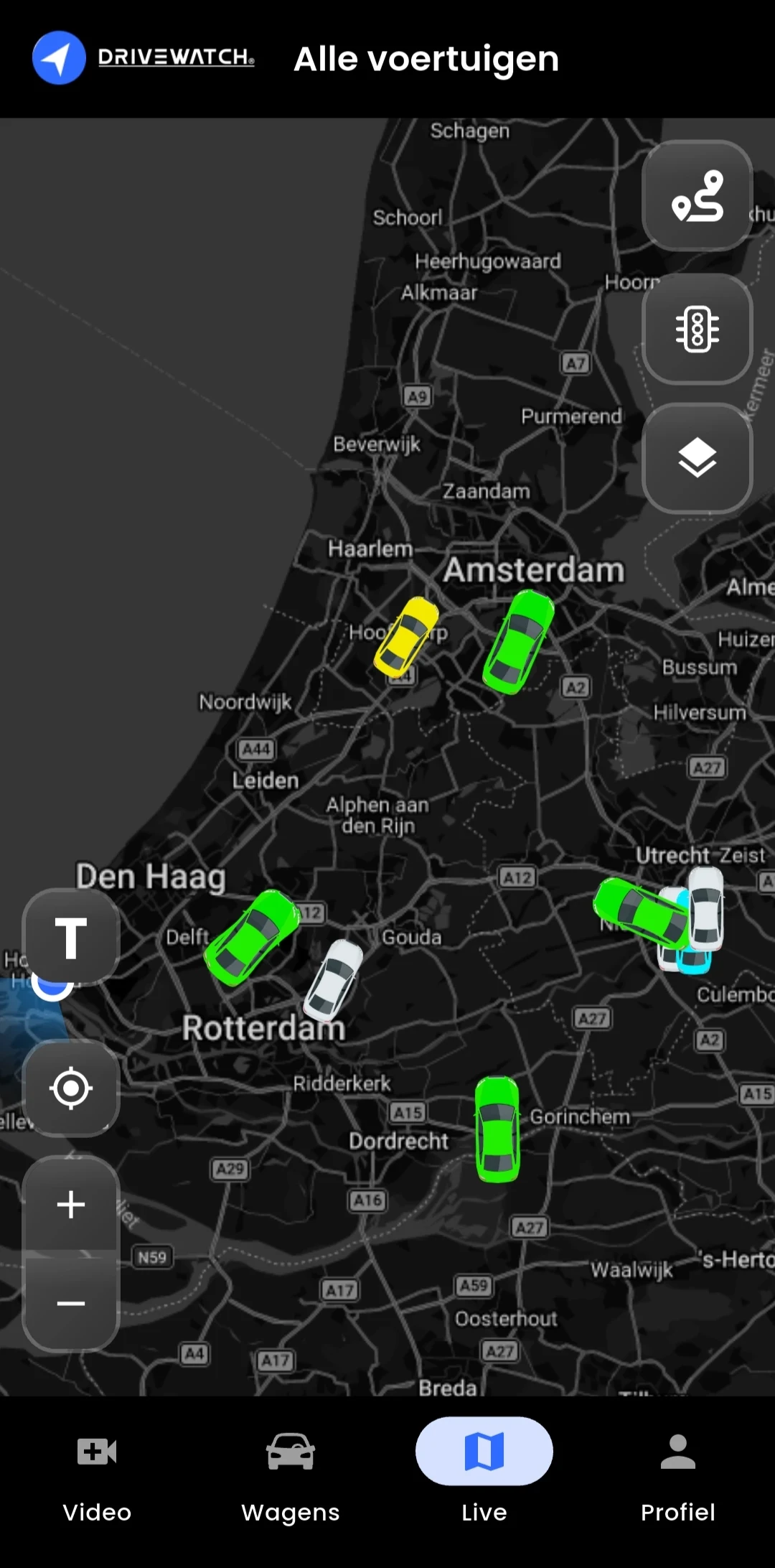
app.drivewatch.nl/assets
DRIVEWATCH
Live map
Assets
Geofence
Alarms
Trips
Fleet · Construction
Today30 assets
ASSETS ONLINE
28/30
GEOFENCE
1 ⚑
ENGINE HRS
146h
THEFT
0
Live map · projects
Geofence
Project A12 · 9 assetsinside
Depot Houten · 12 assetsinside
BUS-07leaving zone
Alarms
06:14Left geofence · BUS-07
02:48Start blocked · KR-12
yesterdayDamage impact · VR-03
Drivewatch app
ON THE MOVE · APP
Assets live
See per project which vehicle or machine sits where — van, truck or trailer.
Geofence alarms
If an asset leaves the project zone after hours, the alert lands immediately.
Theft blocked
Start attempts are stopped and logged — with location and time as evidence.
READY?

Protect your equipment,starting tonight.

Build your fleet or ask for a call back. A specialist thinks along on theft protection, geofencing and rollout across your projects.

No obligationReply within 24hTailored advice
HELP CENTER · CONSTRUCTION

Questions, answered.

Theft, asset tracking, geofencing and on-site installation — explained clearly for construction.

Type a keyword — try “theft”, “geofence” or “install”.
CATEGORIES
THEFT & SECURITY · MOST ASKED

Yes. The immobiliser works independently of the site: the vehicle won't start without authorisation, wherever it stands. On a drive-off attempt you get an instant alert with location — a fence is a bonus, not a requirement.

Almost instantly. A drive-off attempt sends an alert with time and location to your app within seconds, while the immobiliser keeps the vehicle in place.

BUSINESS ADVICE?

Prefer to talk it through?

Leave your number — a specialist will call you back.

Call me back
DRIVEWATCH®
Connecting 0%